Scroll-story presentation sites — sticky chapter navigation, detail routes, three themes (Dark Signal, Editorial Light, Blueprint), five narrative modes or auto-selection from repository signals
hero
SilentForge
Transform public GitHub repositories into portable, evidence-backed static presentation sites.
0GitHub stars
TypeScriptPrimary language
Apache License 2.0License · click to expand
SPDX: Apache-2.0
Read repository license ↗features
What it brings
README capabilities
These points come directly from the repository README, paired with structural signals from the codebase.
Code wiki — detected stack, entry files, config signals, directory summaries, module map, and offline Mermaid architecture diagram
Repository diagnostics — readiness score with strengths, gaps, and recommendations in Workbench Overview
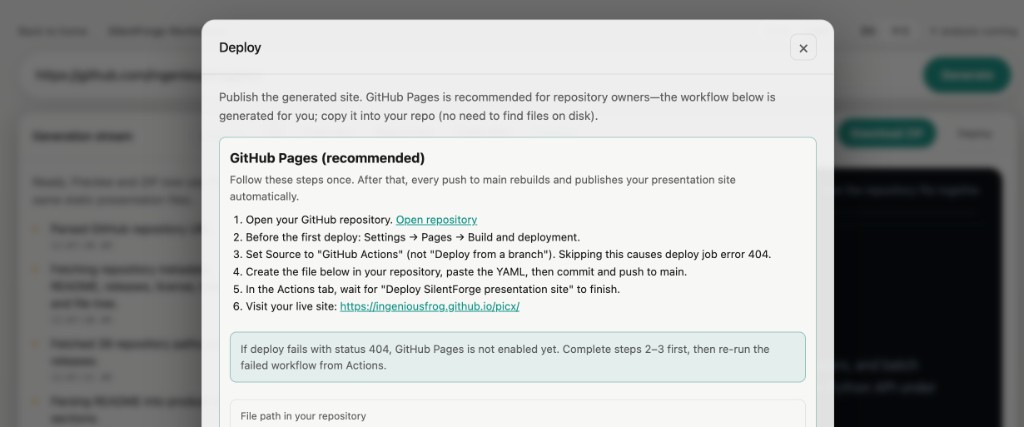
Local Workbench — paste a URL, stream generation over SSE, inspect Overview / Resources / Code Wiki / Preview, download ZIP, copy GitHub Pages workflow from Deploy; Settings dialog for mode, theme, chapters, and Codex-first AI
Source-bound output — plain HTML, CSS, JS, and JSON; no consumer build step; Preview and ZIP share identical files
Internationalization — Workbench and generated site chrome in EN / 中文; repository facts stay as extracted from the source repo
visuals
See it in motion
Repository visuals
3 visual assets were detected in README and repository paths.
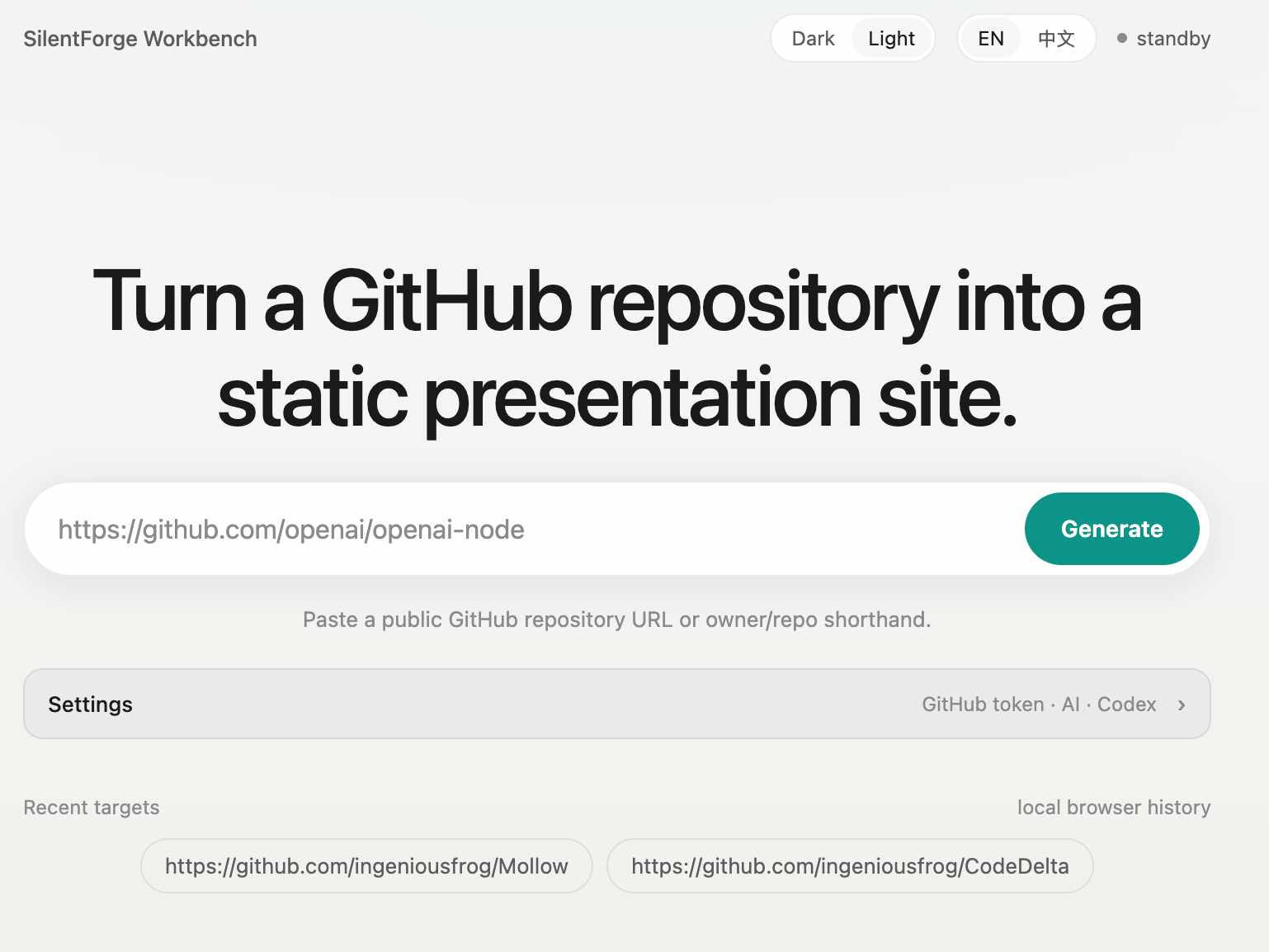
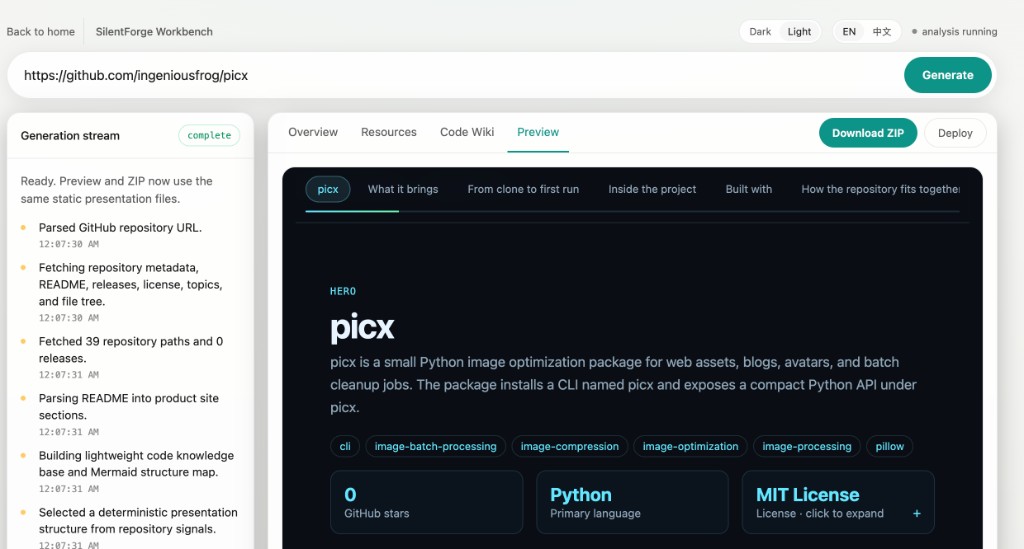
usage
From clone to first run
Developer path
The commands below are extracted from the project documentation; open the detail pages for the fuller source sections.
# Generate a static presentation site (npx — no install)
npx silentforge init vercel/next.js
# Open the generated index.html (macOS example)
open vercel/next.js-site/index.html
# Launch the local Workbench UI
+ 2 more lines in detail pages
# CLI — generate to a folder and open locally
npx silentforge init owner/repo
open owner/repo-site/index.html    # macOS; adjust path on Linux/Windows
# Workbench — interactive preview, diagnostics, ZIP, deploy guide
npx silentforge web
+ 7 more lines in detail pages
readme insights
Inside the project
Documentation depth
Longer README sections are condensed here so the main page remains readable without hiding the underlying material.
Published on npm as silentforge. Requires Node.js 20+. npm install -g fails with EACCES? On macOS/Linux, npm may lack permission to write symlinks under /usr/local/bin. Use npx si…
# One-shot generation (no install)
npx silentforge init owner/repo
Run without installing the global command: Install reposite onto your PATH: Alternatively, after npm run build:
git clone https://github.com/ingeniousfrog/SilentForge.git
cd SilentForge
npm installNative installers are planned. Until then, distribution is build-from-source or npm link / global install as above. A packaged app will bundle the compiled dist/ output and launch…
Open /index.html after reposite init, or serve the folder with any static file server. ---
reposite --help
reposite web
# open http://127.0.0.1:4177/Show full README sections
The overview keeps only summaries and short code previews so this chapter stays scannable.
technology
Built with
Detected stack
Technology labels are inferred from configuration files and file extensions, then checked against repository structure.
76.ts files
3.md files
3.png files
3.json files
1.example files
1.yml files
architecture
How the repository fits together
Structure map
The diagram and module notes are generated from tracked repository paths, not invented project relationships.
graph TD
root["Repository"]
root --> _github[".github"]
_github --> _github_workflows["workflows"]
root --> docs["docs"]
docs --> docs_screenshots["screenshots"]
root --> examples["examples"]
root --> src["src"]
src --> src_analyzer["analyzer"]
src --> src_codex["codex"]
src --> src_commands["commands"]
src --> src_github["github"]
src --> src_i18n["i18n"]
src --> src_presentation["presentation"]
src --> src_readme["readme"]
src --> src_shared["shared"]
src --> src_site["site"]
src --> src_workbench["workbench"]
src_workbench --> src_workbench_ui["ui"]
root --> tests["tests"]
resources
Keep exploring
Source material
Move from this guided overview into generated evidence pages, repository destinations, and README links.